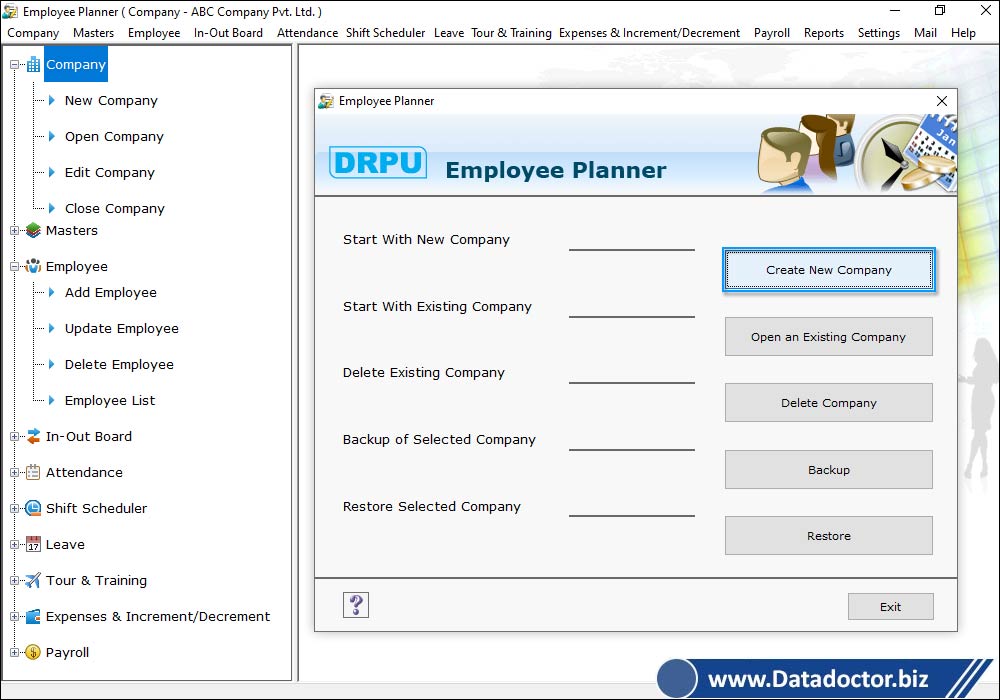
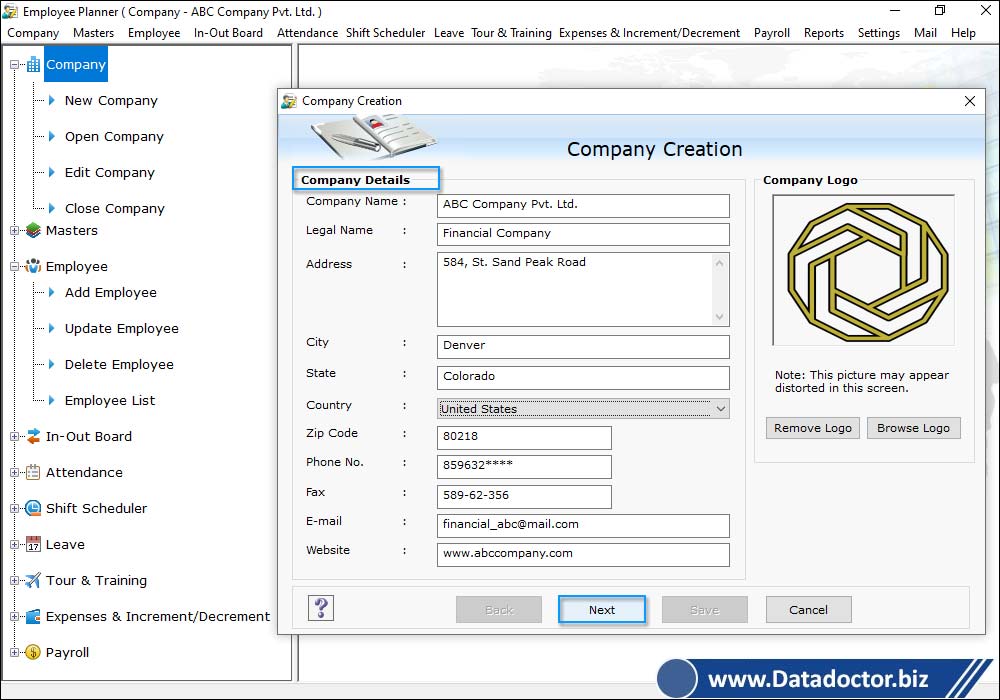
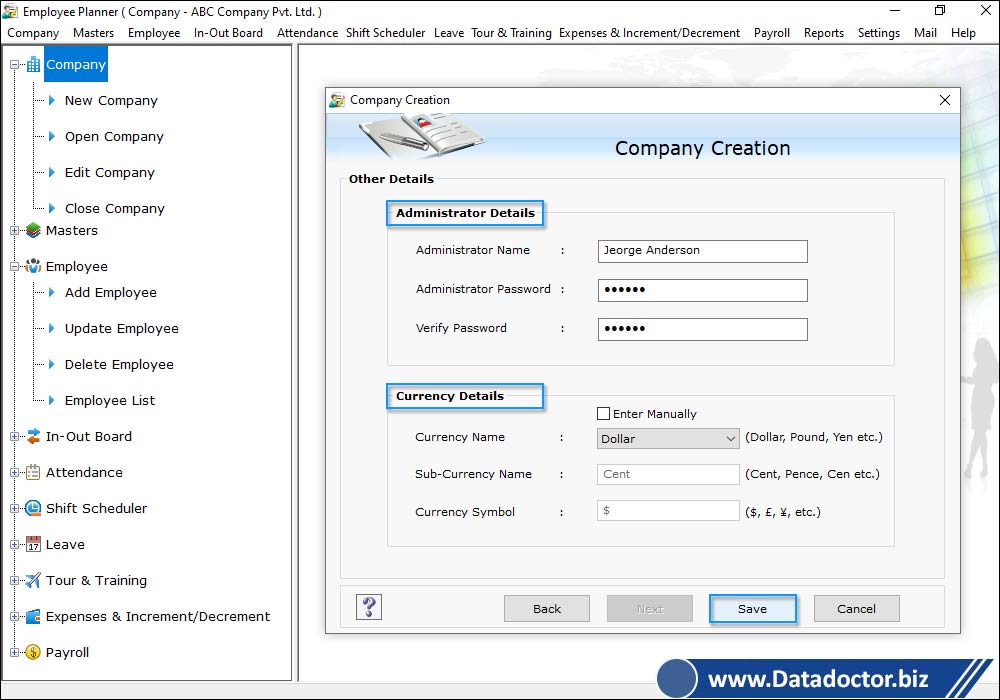
Software Screenshot

|
Staff scheduling task in your company is now no more complicated with most advanced Employee Planner Software. No matter whatever your business, powerful software helps to create and maintain your company employee schedules in better and easier way. Staff management tool delivers precision and speed to business staff scheduling responsibilities by maintaining staff shifts details, time in/off, tour-training records along with entire payroll details in easiest way. Staff scheduling software significantly reduces the amount of time, resources and overall cost involved in managing the complex employee scheduling task and thus resulting improved business productivity.
Powerful employee scheduling software is helpful for business of all sizes to maintain day-to-day work schedule of employees without any conflict and hence freeing you to concentrate on other areas of business. Staff planning software with intuitive interface is very easy to use which does not require specified technical skills to operate it. Software full featured trial demo is available free for 30 days to get better understanding of features and functionalities.
With Employee Planner software you can:
- Create and maintain employee records and salary details of multiple companies at one place.
- Manage employee daily shift records to utilize 24 hrs of the day without any scheduling conflict.
- Easily maintain up-to-date records of time in/out details of employee.
- Manage employee leave or vacation request.
- Effectively keep track of employee attendance records.
- Maintain tour and training schedules of all employees in easiest way.
- Maintain complete payroll details of employee as per your company norms.
Software Advance Features
- Password protected – Software is password protected to keep your company database safe from the access of unauthorized users.
- Generate Payroll Payslip – Generate payroll pay slip of company employees.
- Tour and Training pass – Software is provided with advance option to generate tour and training pass with option to add employee photo on it.
- Data import facility – Facilitates users to import database records of selected company via data connectivity feature.
- Data Backup and Restoration – Allows users to take backup that can be easily restored ensuring that your data is never lost due to any data loss reason.
- Real time reports – User can easily create printable reports of company details, employee details (office details, salary details, leaves details etc).
Software application areas
- Call Centers and help desk,
- Fire Departments,
- Hospitals,
- Manufacturing Operations,
- IT Firms and many more.
Software easily works on Windows Operating System with support to following system requirements
- Processor: Pentium class or higher
- Memory Space: Minimum 256 MB RAM
- Free Hard Disk Space: 10 MB free hard disk space
- Operating System: Windows 7, Windows Vista, Windows XP, Windows 2003, Windows 2000 etc.
|